Automatically Imported
This page was automatically imported and has not been manually cleaned up and checked yet.
There might be strange or incorrect formatting, dead links, and other issues.
Sysclk SLA5032
| Status | Supported |
| Channels | 32 |
| Sample Rate | 500MHz |
| Memory | 2x 1Gbit DDR2 SDRAM |
| Triggers | low, high, rising, falling, |
| Voltage Range | -50V — 50V |
| Website | https://item.taobao.com/item.htm?id=601831958682 |
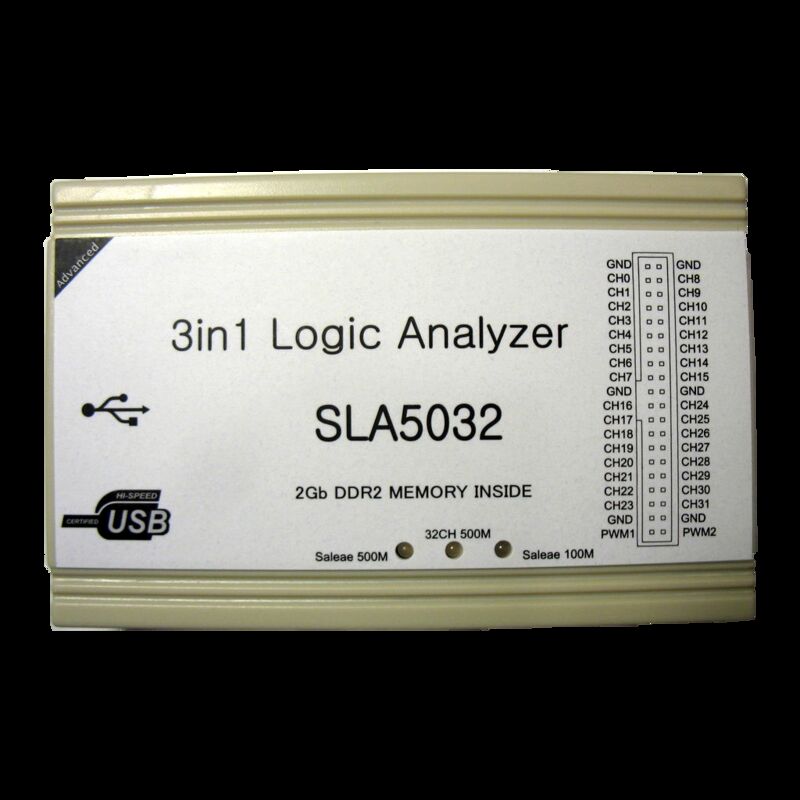
The Sysclk SLA5032 is a USB-based, 32-channel logic analyzer with up to 500MHz sampling rate.
See Sysclk SLA5032/Info for more details (such as lsusb -v output) about the device.
This devices can be switched into one of three different modes (the current mode is indicated by a green LED on the respective mode text):
- 32CH 500M: 500MHz sampling rate, 32 channels, max. 64Mbits storage per channel, support for hardware triggers (sysclk-sla5032 driver).
- Saleae 100M: The device enumerates as a Saleae Logic16, streaming possible like with the Logic16, only software triggers (saleae-logic16 driver).
- Saleae 500M: Similar to the above, but the max. sampling rate is actually 500MHz.
Switching between modes is done via the following mechanism: Plug the device into USB, after roughly half a second unplug it and re-plug it again. A green LED will now indicate that another mode was selected (it'll rotate through all three possible modes).
Hardware
Main board:
- Microcontroller: Atmel ATmega8A (datasheet )
- USB interface chip: Cypress CY7C68013A-56LTXI (FX2LP) (datasheet )
- 32Kbyte I²C EEPROM: Atmel 24C256N (datasheet )
- 256byte I²C EEPROM: Atmel 24C02N (datasheet )
- 8MByte SPI NOR flash: Macronix MX25L6445E (datasheet )
- 3.3V voltage regulator: Advanced Monolithic Systems AMS1117-3.3 (datasheet , older datasheet )
- DC-DC buck regulator: 4x Alpha and Omega AOZ1021AI (datasheet )
- Crystal: 24MHz
SODIMM daughterboard:
- FPGA: Xilinx Spartan XC6SLX16 (datasheet )
- 8MByte SPI NOR flash: Macronix MX25L6445E (datasheet )
- 1Gbit DDR2 SDRAM: 2x Micron MT47H64M16HR-25E:H (markings: "5DHI7 D9LHT") (datasheet )
- Crystal: 100MHz
Photos
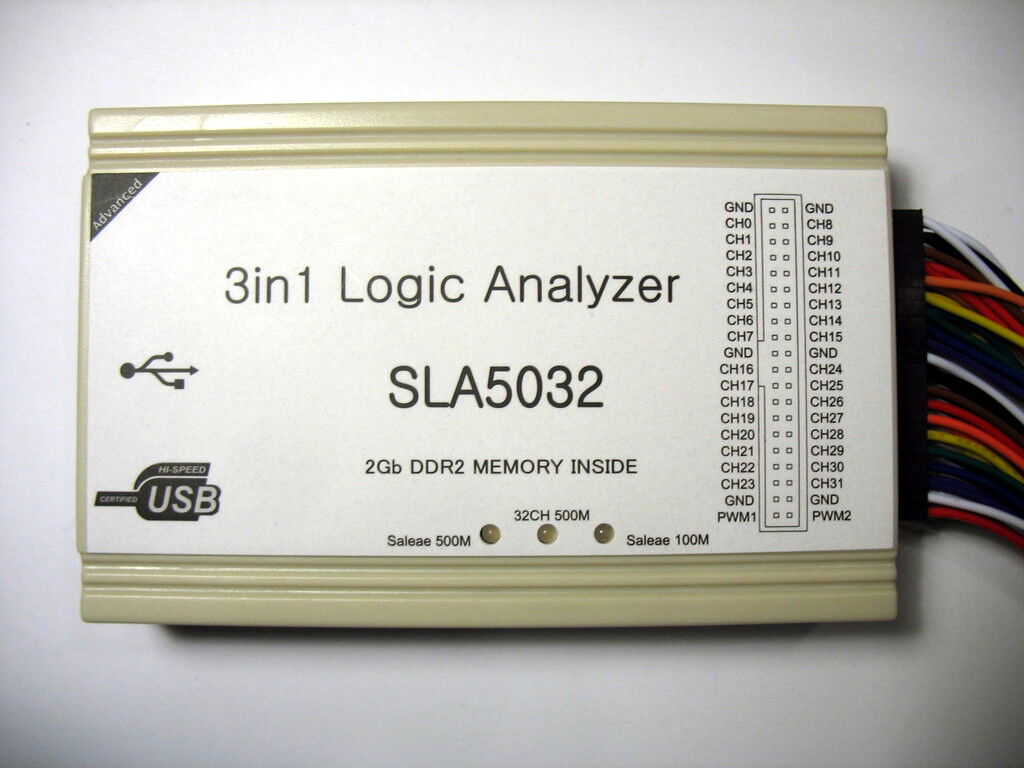
Device with cable
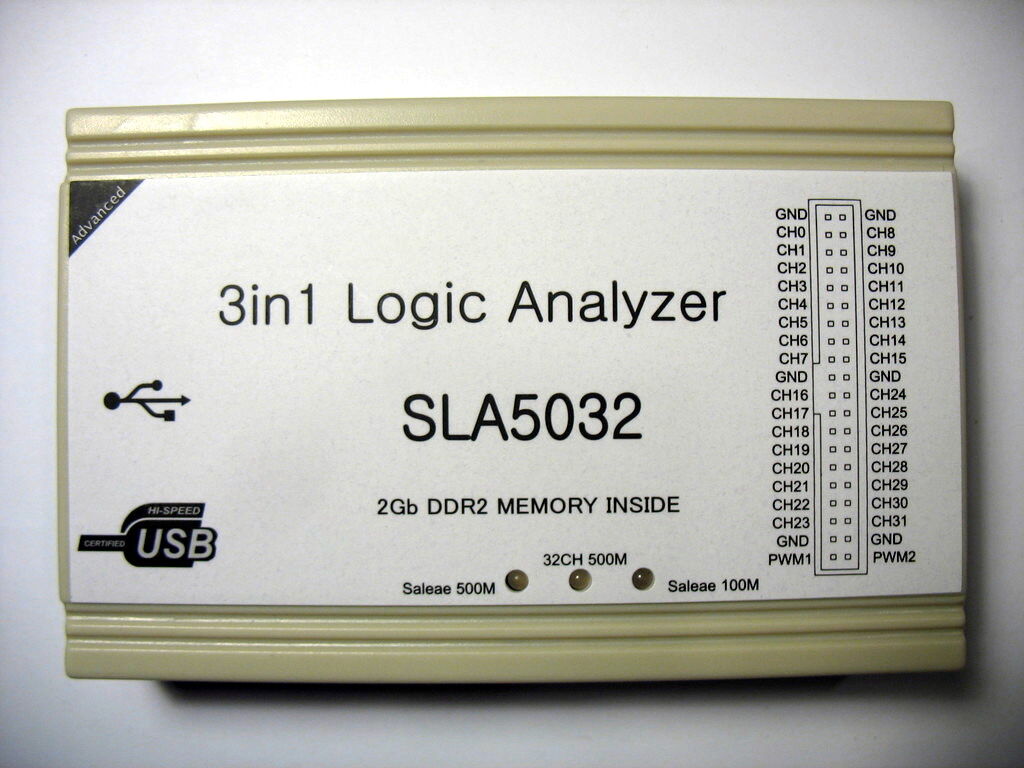
Device, top
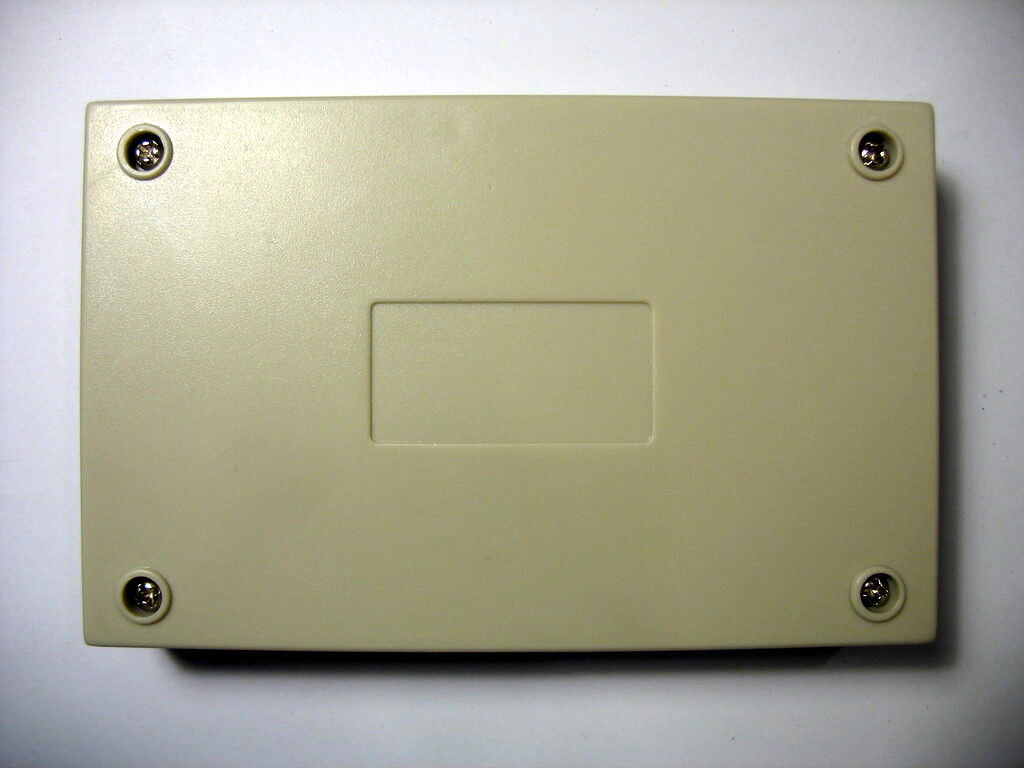
Device, bottom
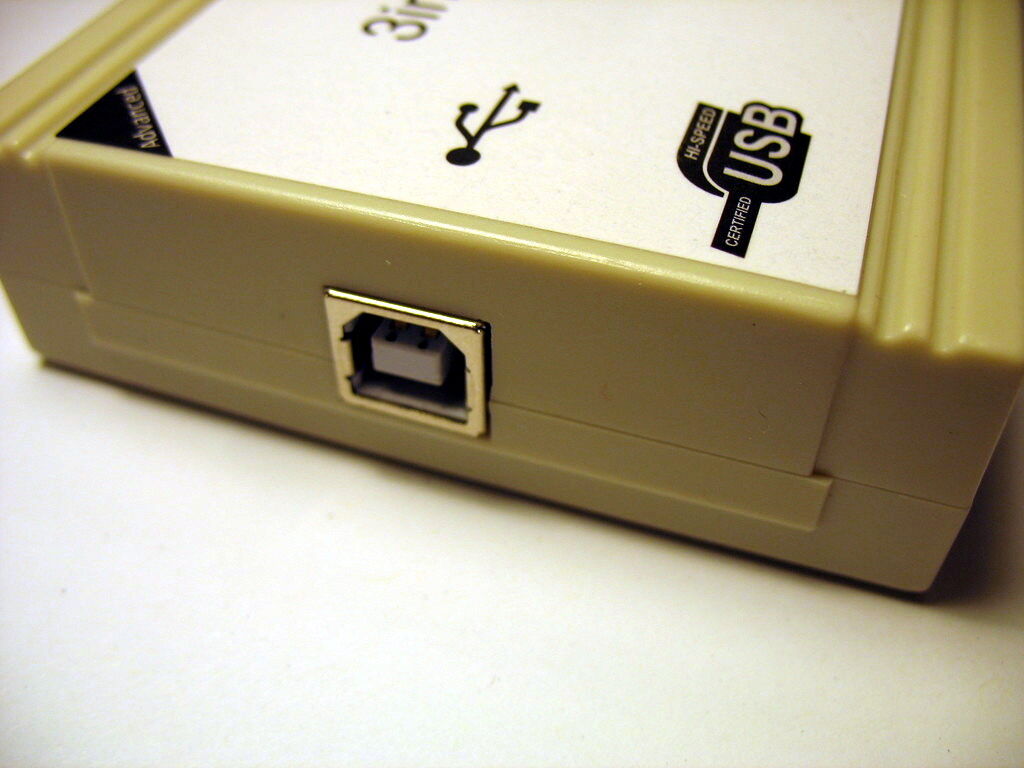
Device, USB
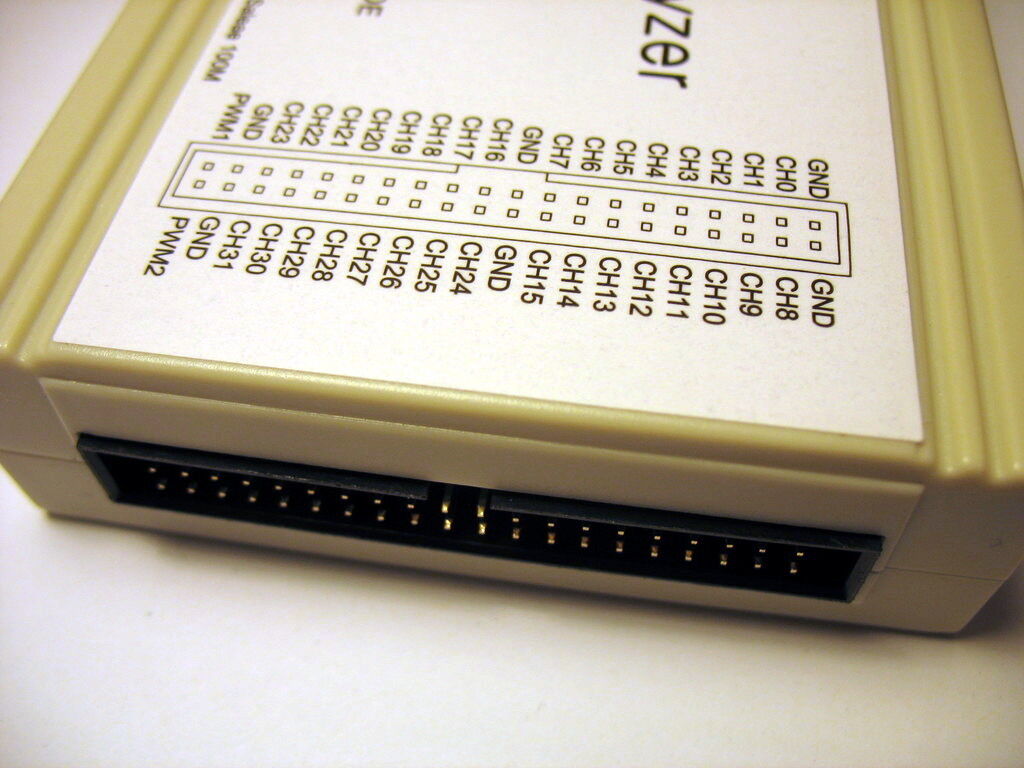
Device, connector
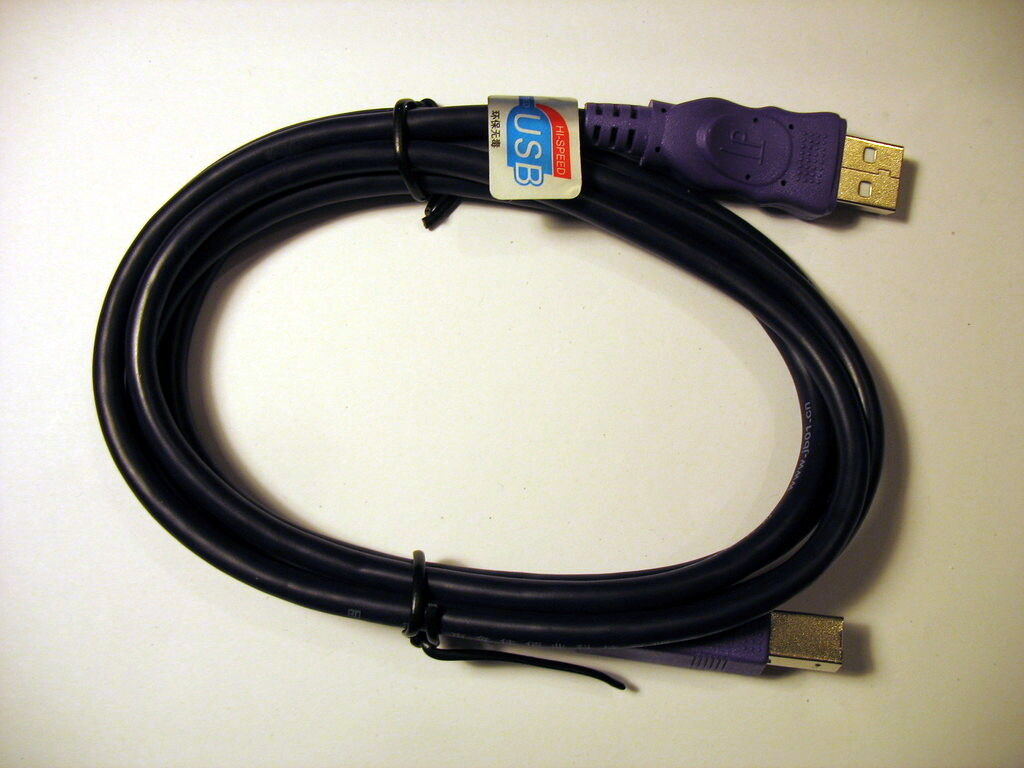
USB cable
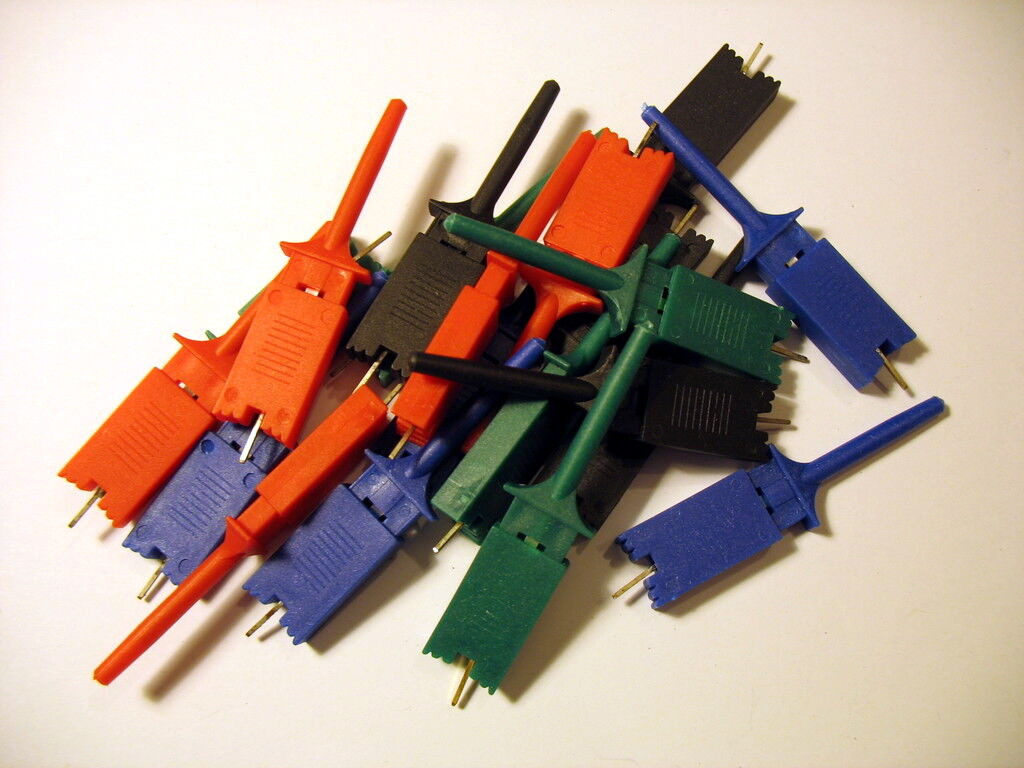
Probes
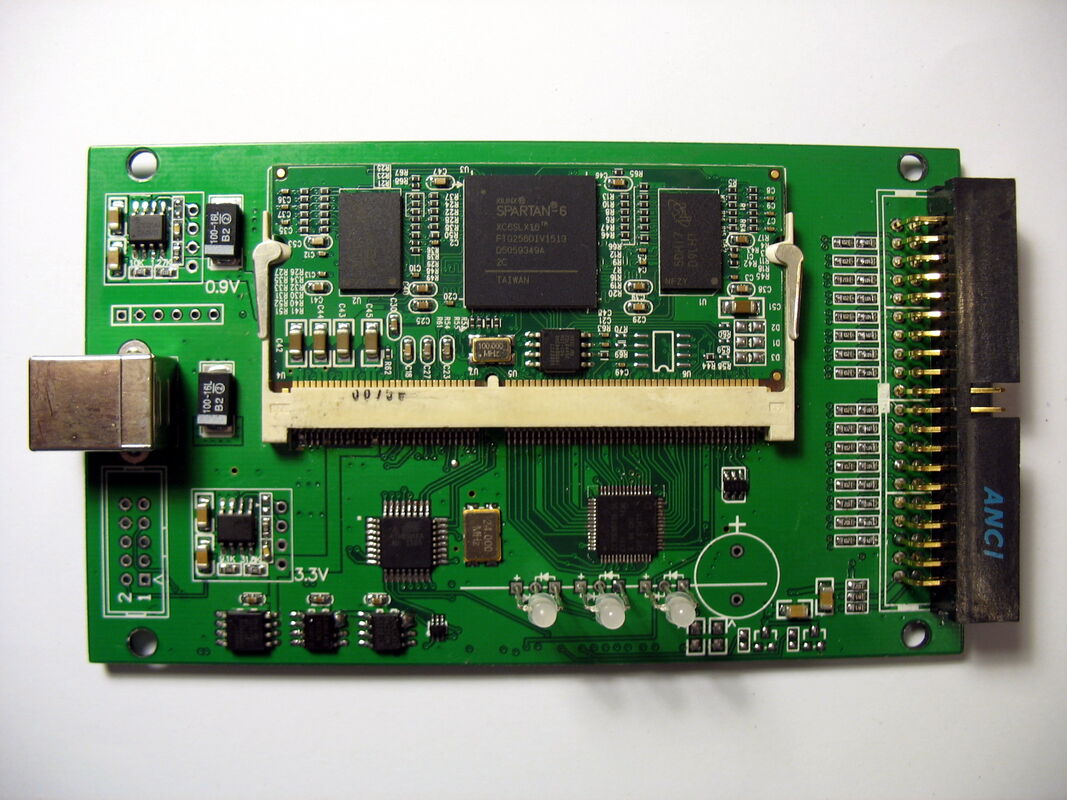
PCB, top with SODIMM
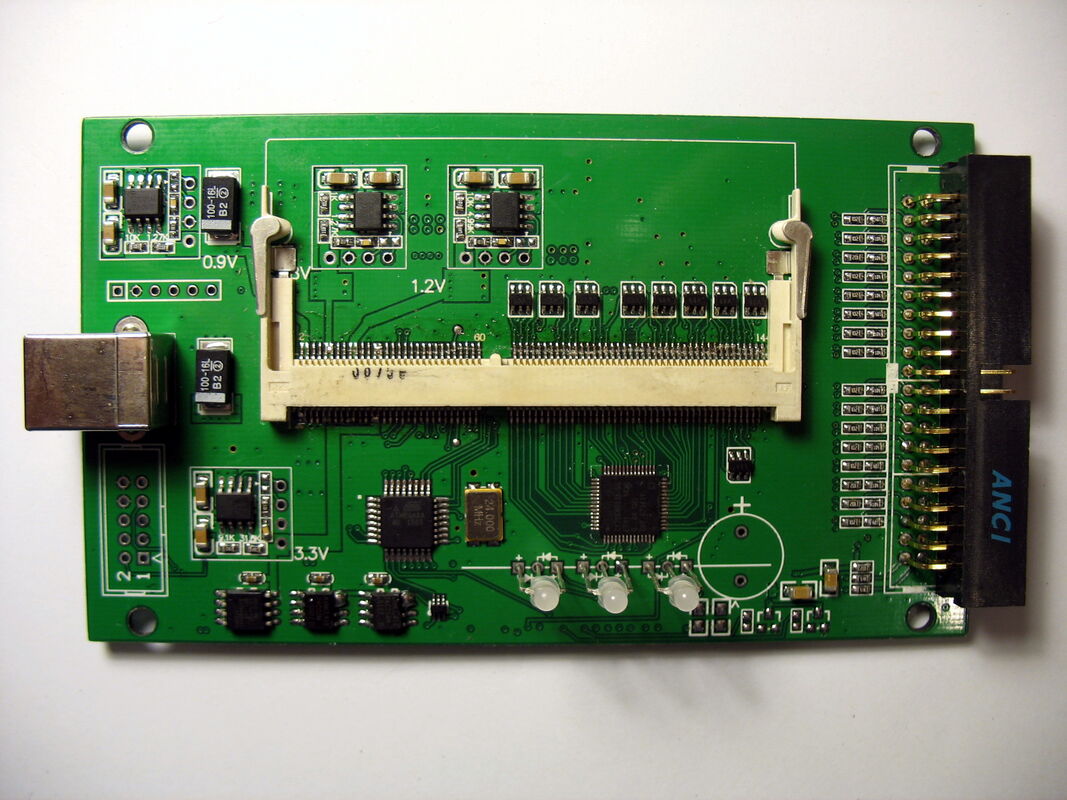
PCB, top
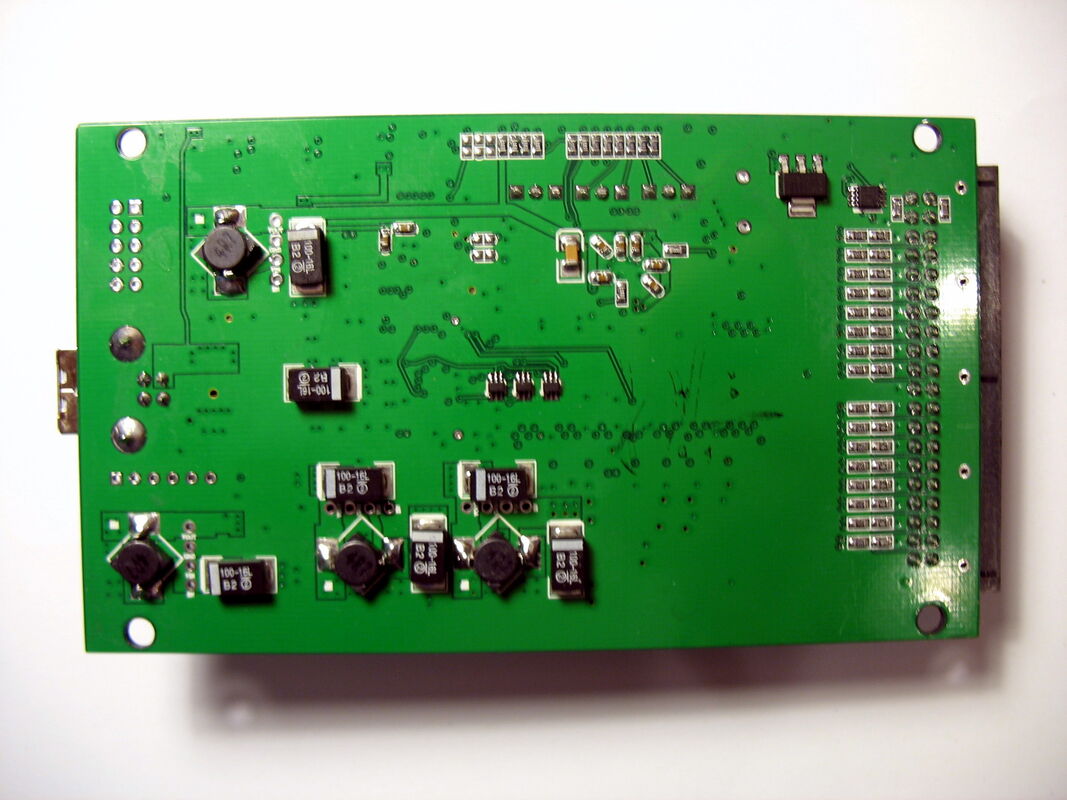
PCB, bottom
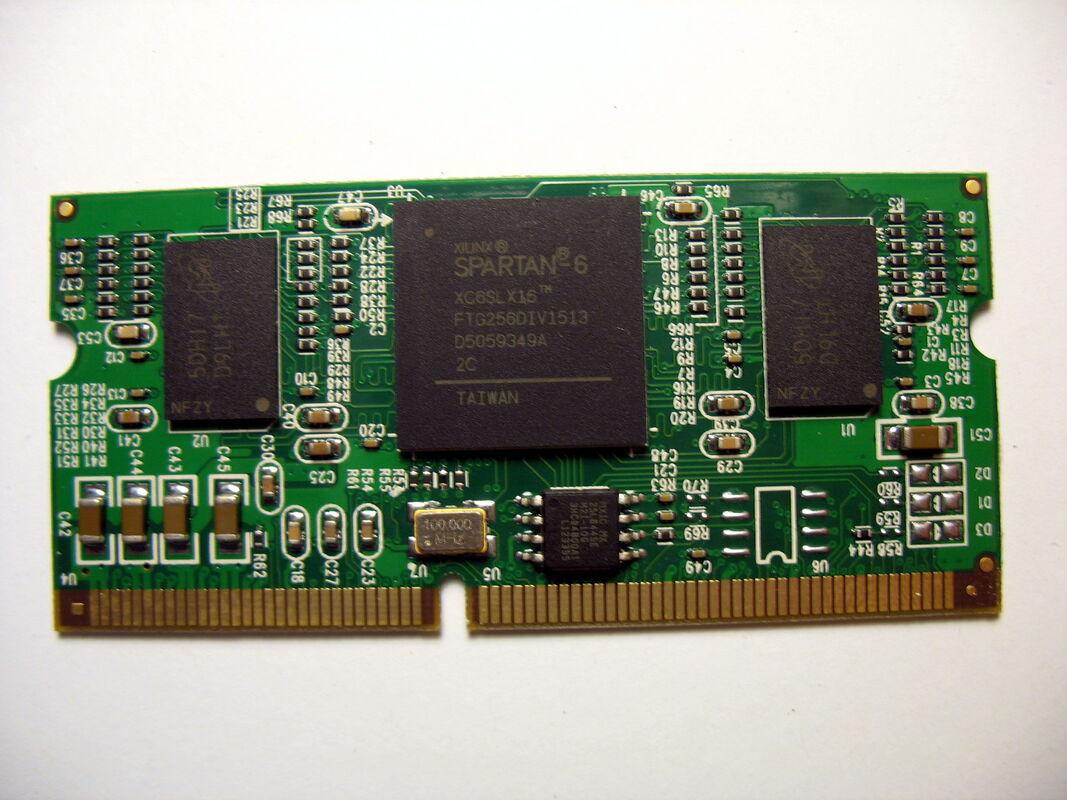
SODIMM, top
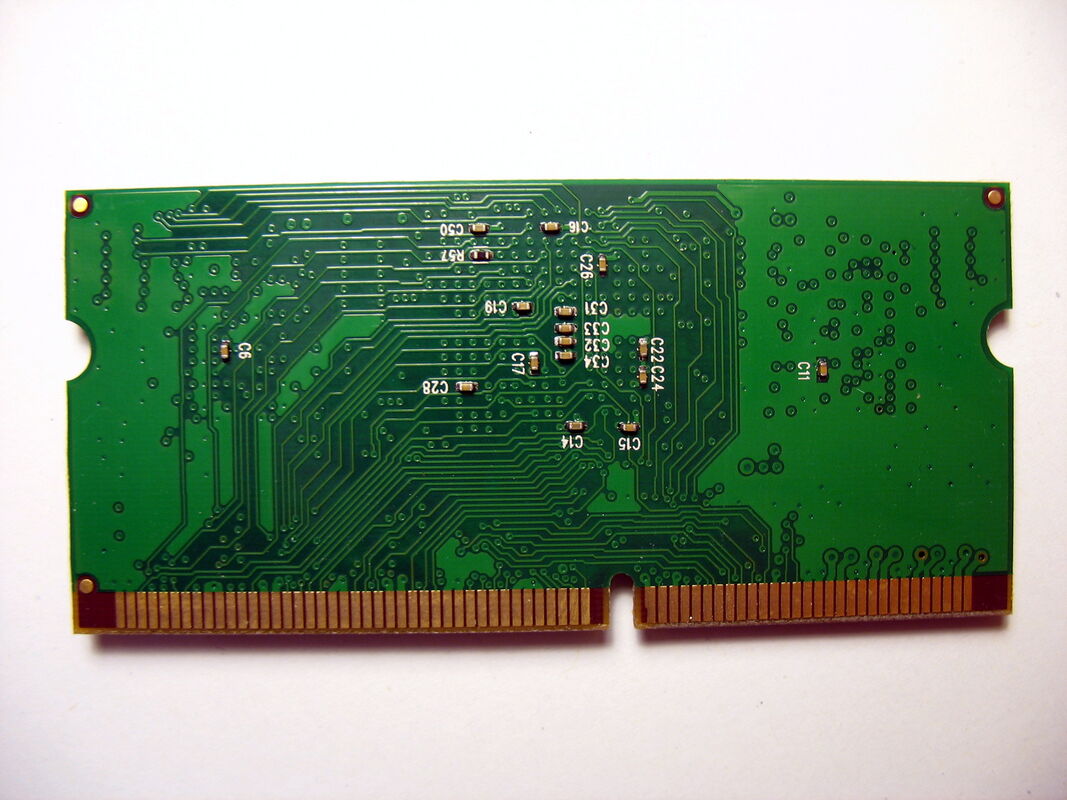
SODIMM, bottom
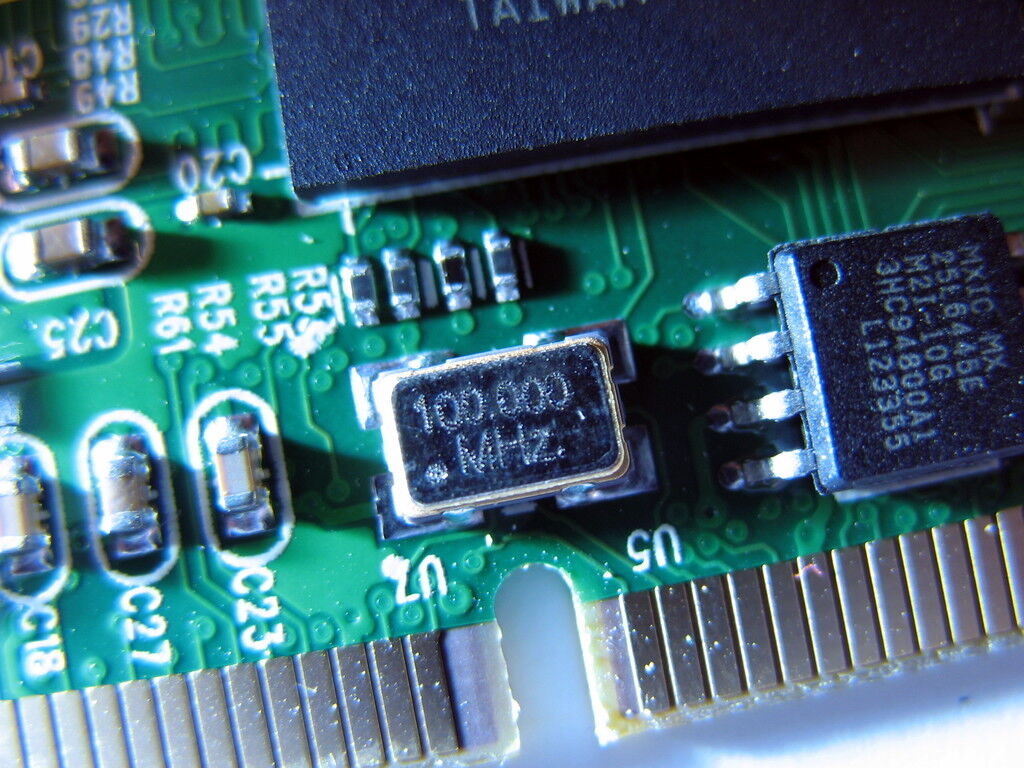
MX25L6445E + crystal
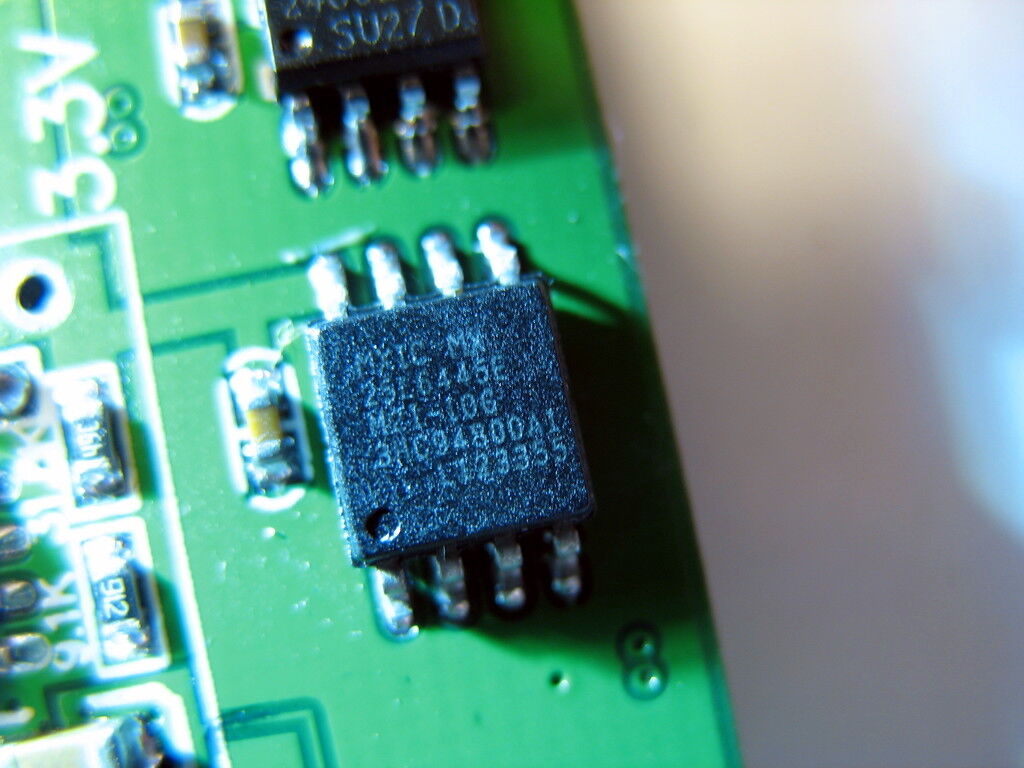
MX25L6445E
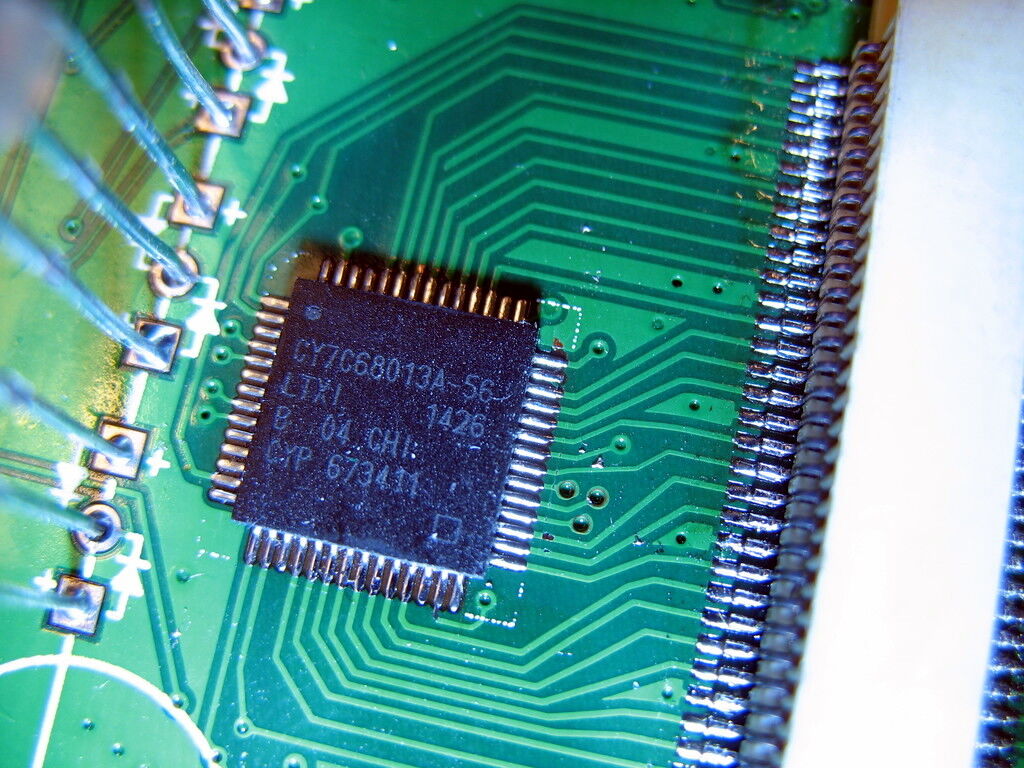
Cypress FX2
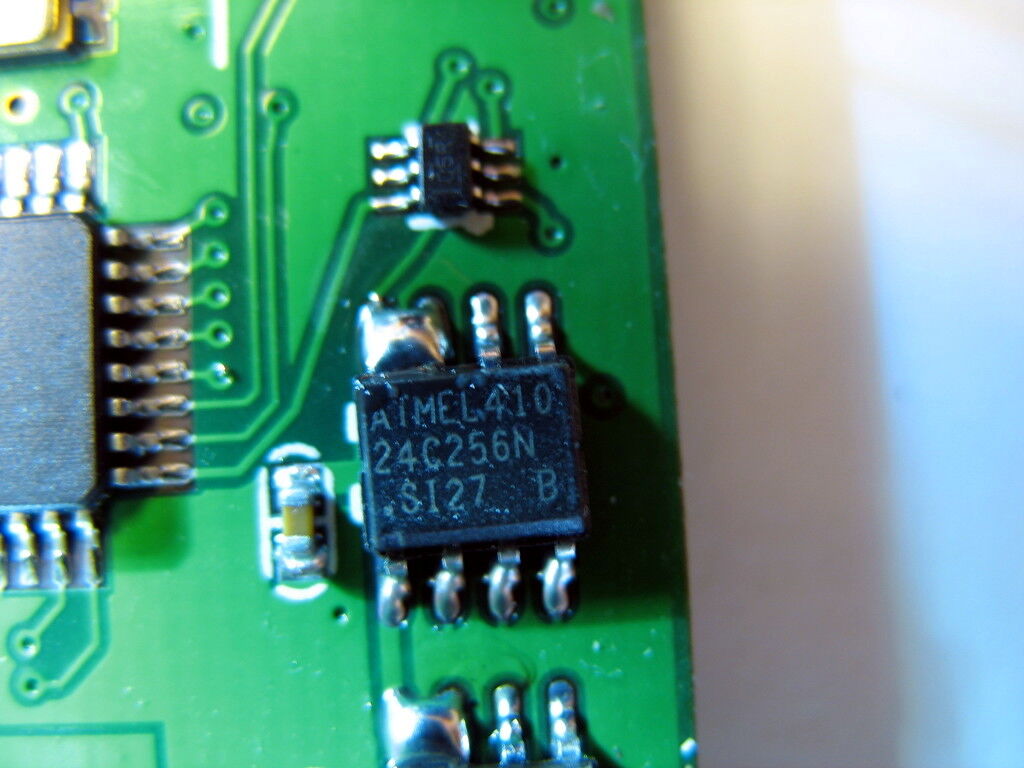
Atmel 24C256N
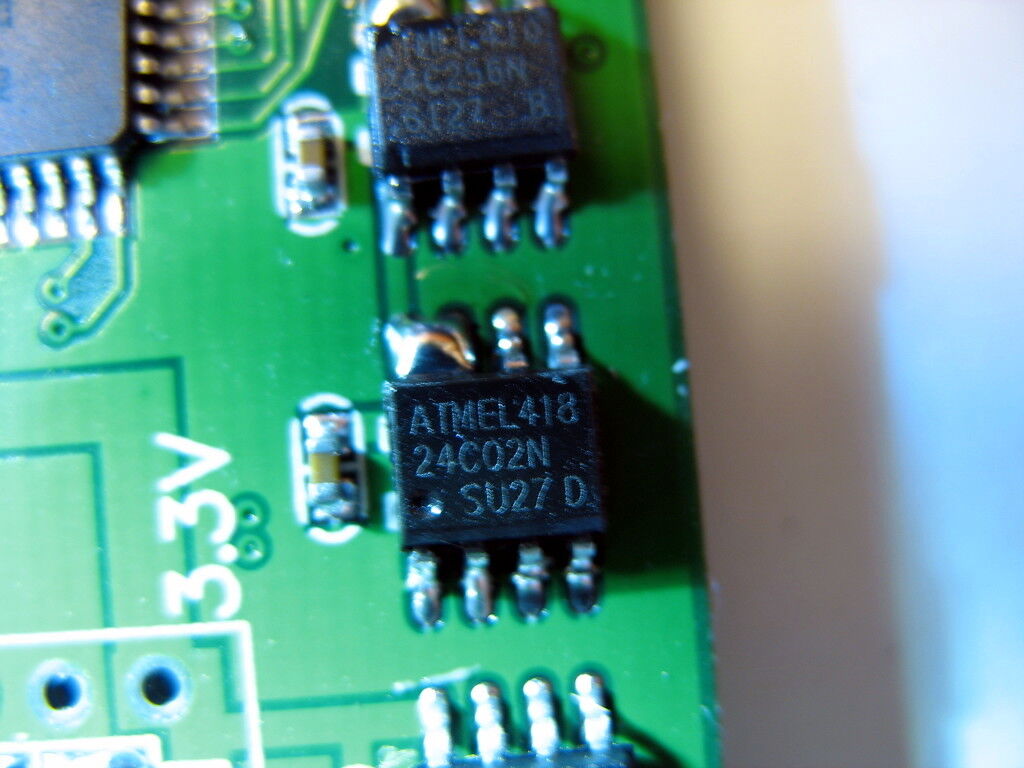
Atmel 24C02N
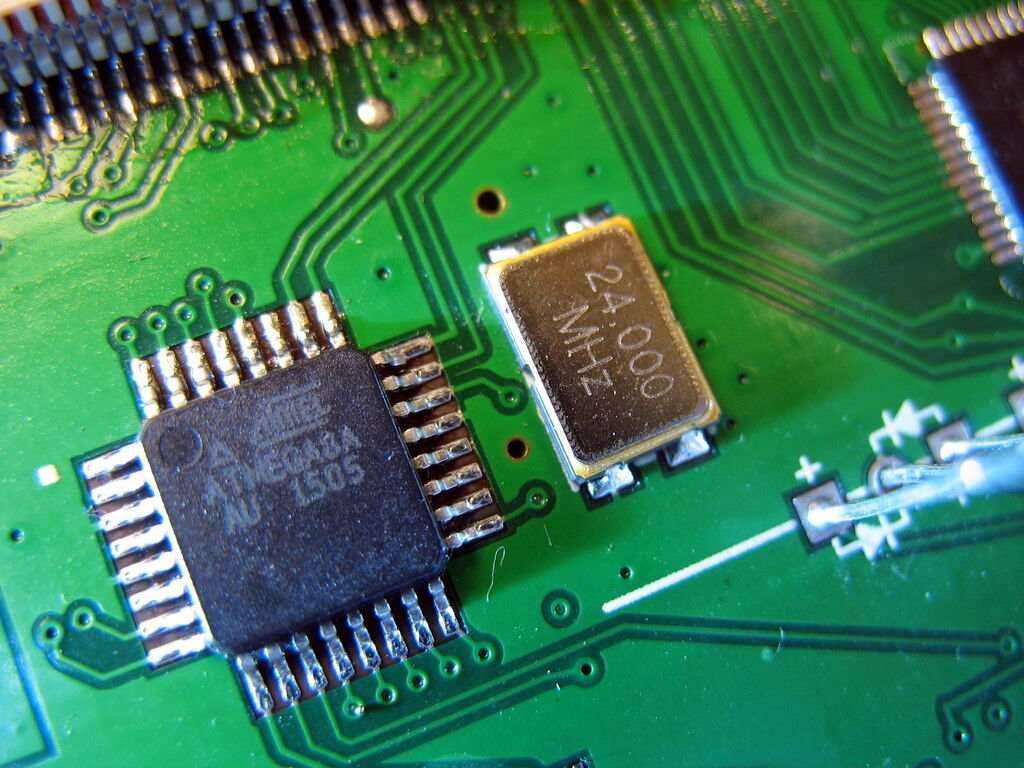
Atmel Atmega8A
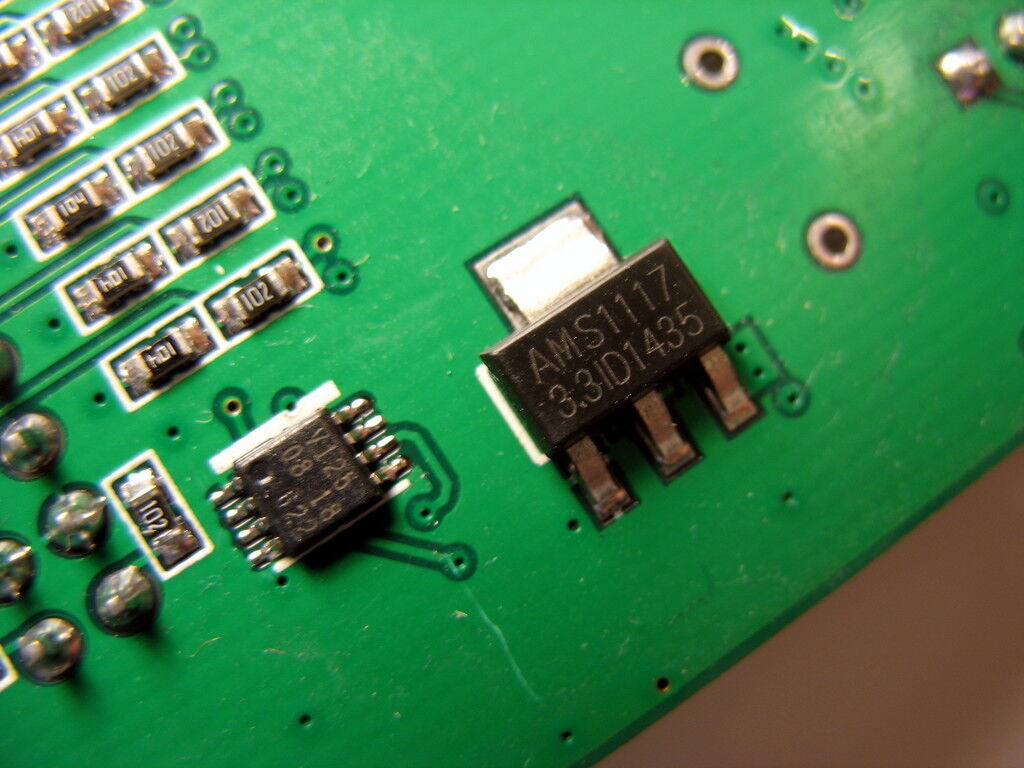
AMS1117-3.3
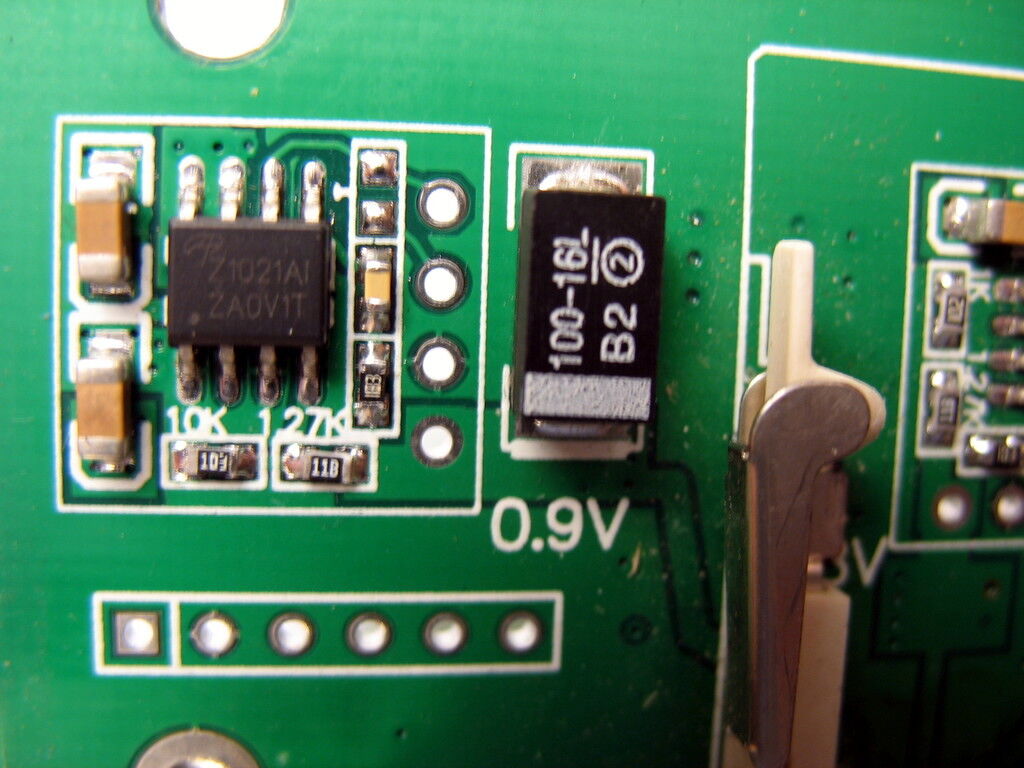
AOZ1021AI
Firmware
In order to use this device, you need a firmware/bitstream file from the vendor software (from the CD-ROM shipped with the device or from a vendor download of the software). You can e.g. install the Windows vendor software, then get the file C:\Program Files (x86)\SLA5032\bin\top.bit, rename it to sysclk-sla5032.bit and place it in a location where libsigrok will search for firmware (see libsigrok's README.devices file for details).
Resources
- Random AliExpress SLA5032 vendor
- Vendor software (sla5032_2015_1_24.iso)
- blog.csdn.net: DLL API function docs for the vendor software